

Our 3D scanning solutions for professionals
HP DesignScan 3D scanner
HP 3D Scan.OS
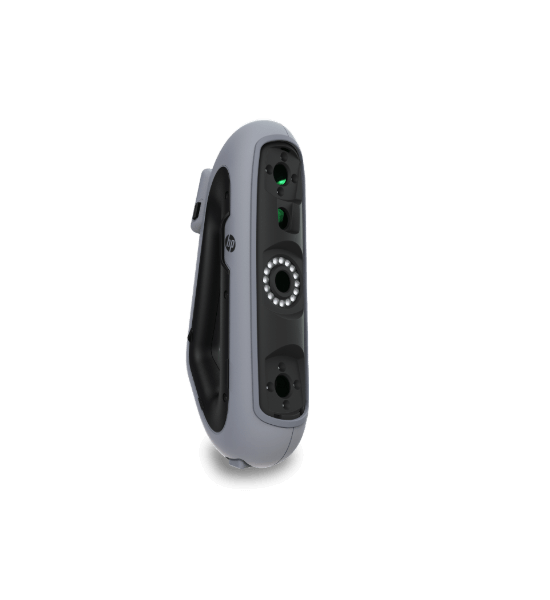
HP DesignScan 3D scanner is affordable and easy-to-use 3D scanning solution that offers the level of accuracy, reliability and repeatability you need for digital archiving objects and parts, 3D printing projects, and using the resulting STL file to process and produce parts.
HP DesignScan 3D scanner for reverse engineering
HP Scan-to-CAD software
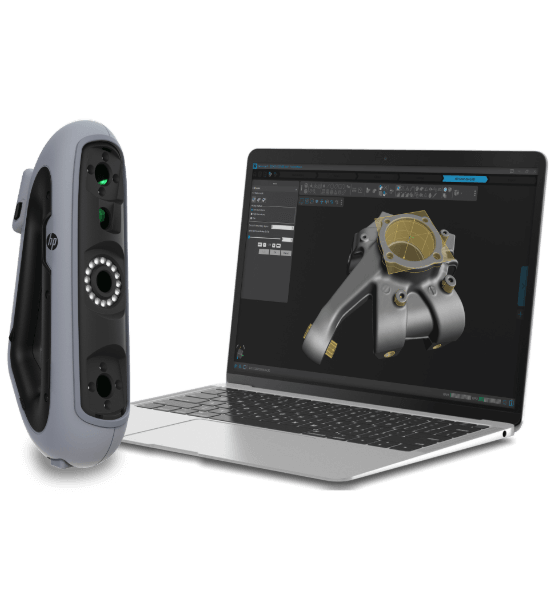
Unlock seamless reverse engineering workflows with the HP DesignScan 3D scanner paired with HP Scan-to-CAD software. Easily capture precise 3D data, then export directly to your preferred CAD tools for efficient design and post-processing.
Leverage the power of 3D scanning
Contact our team today to schedule your free demo and see firsthand how 3D scanning can transform your projects.
How our 3D scanners work
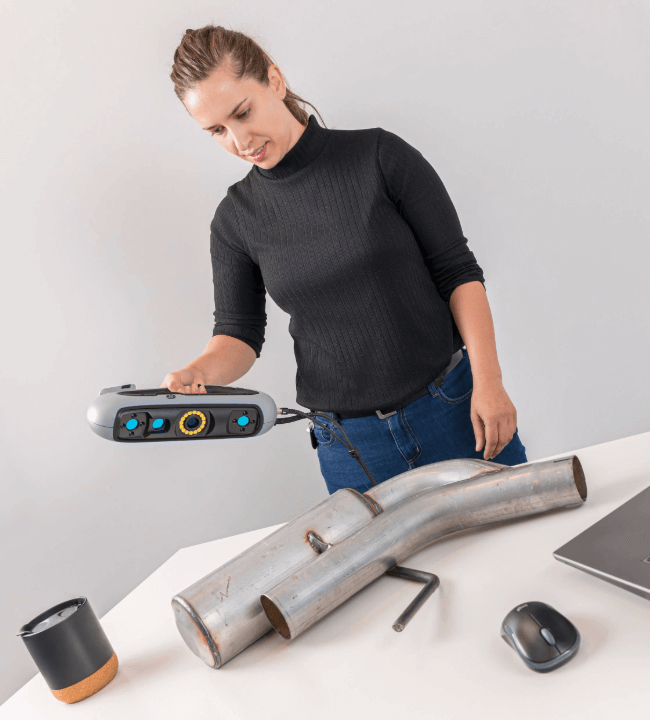
3D scan an object
Just grip, point, and scan! HP DesignScan 3D scanners' ergonomic, triangulated handle lets you effortlessly capture accurate scans—even in tight or hard-to-reach spaces.
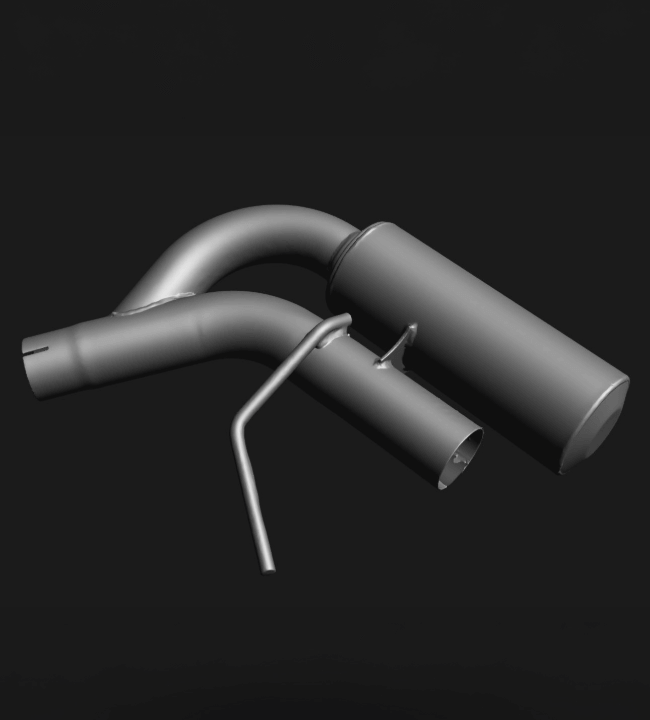
Finalize the mesh
Use the included HP 3D scanning software to optimize and perfect your meshes, preparing them seamlessly for 3D printing or further CAD processing.
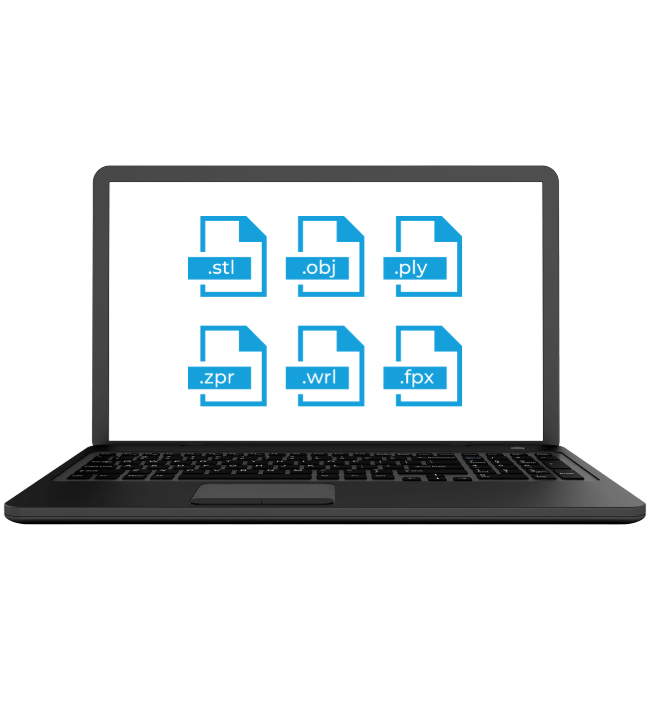
Export the file
Export your 3D scanning data effortlessly to your preferred CAD software using standard file formats (.iges, .step, .dxf). Transfer precise geometric entities in just a few clicks.